Updating the firmware
In this post I will explain how to upgrade from the 1.x version of the firmware (running on Cyphal 1.0) to the 1.1 version (which runs Cyphal 1.1).
You will need:
- FluxGrip
- CanFace (any model)
- USB cable
- Connect: PC ↔ CanFace ↔ FluxGrip
- Open cyanide.zubax.com
- Click Connect SLCAN
- If your FluxGrip is running an older version of the firmware, a window will appear asking you to update:
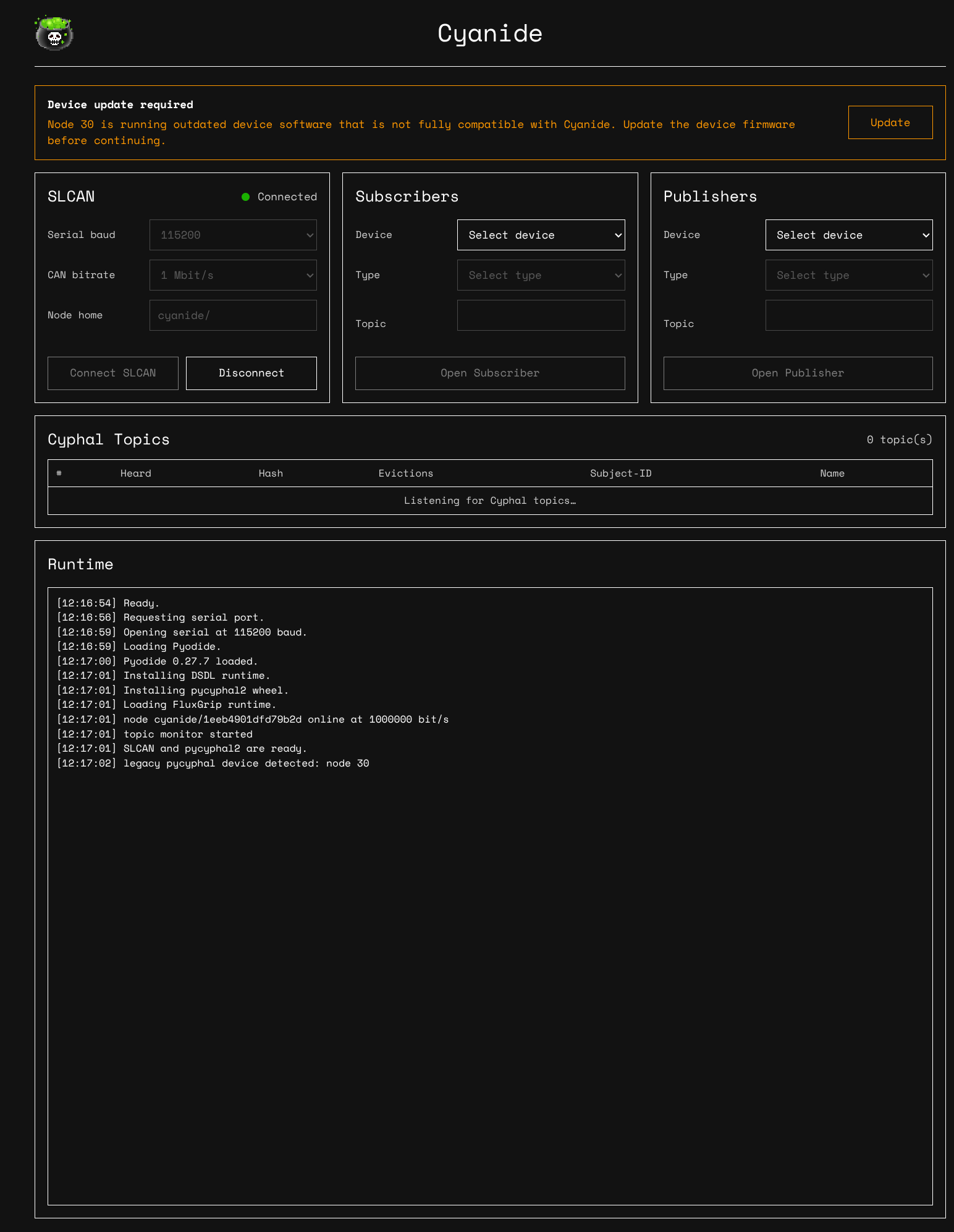
- Click Update and wait until the binary finishes uploading
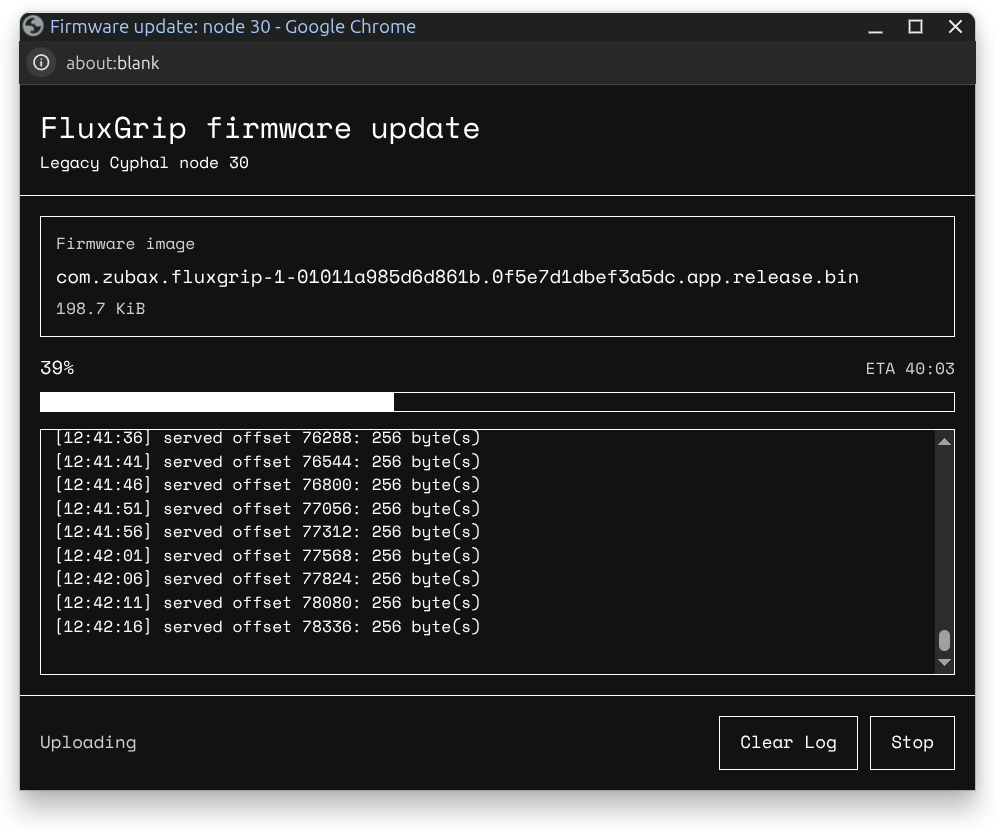
Once the binary has been uploaded, the device will reboot automatically and you should see the following which means that it’s now running Cyphal 1.1 and you’re able to use Cyanide to configre/control the magnet: