Hello
My name is Claudio from Instor - Projetos e Robótica. We just updated the firmware for the FG401MA and are finding some problems with it.
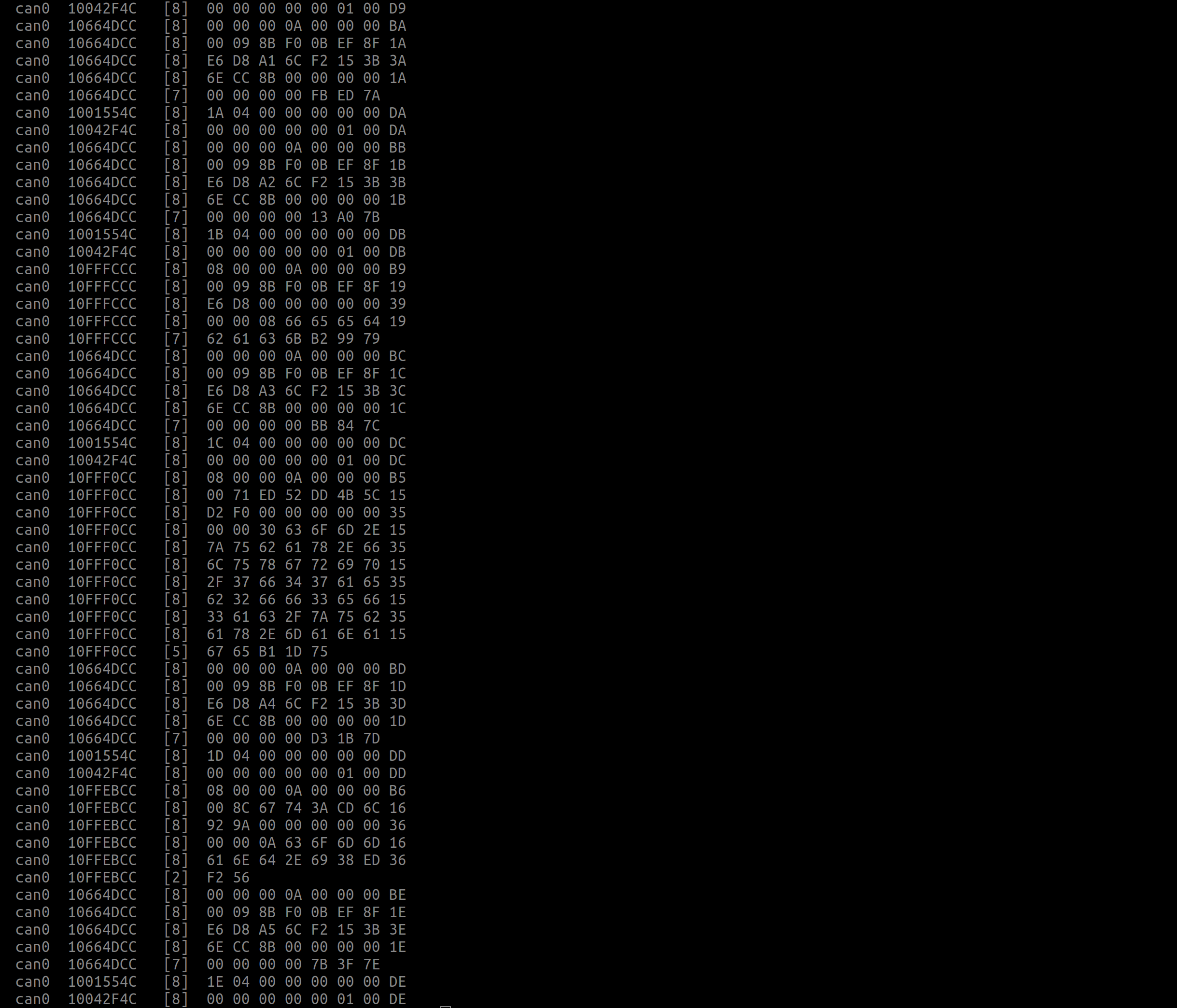
After our application stopped working, I used a generic USB-CAN device to investigate the CANbus and after seeing the CAN address I realized the magnet ID and feedback ID changed due to the update.

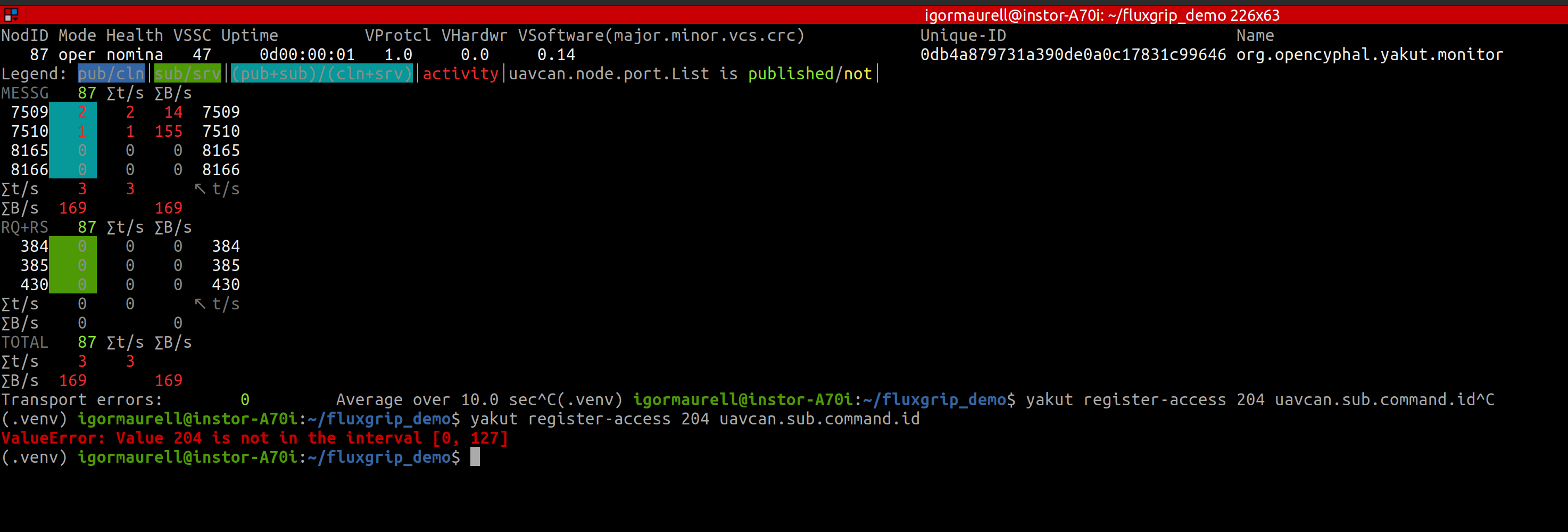
I opened the Yakut interface trying to change the IDs but it no longer works.

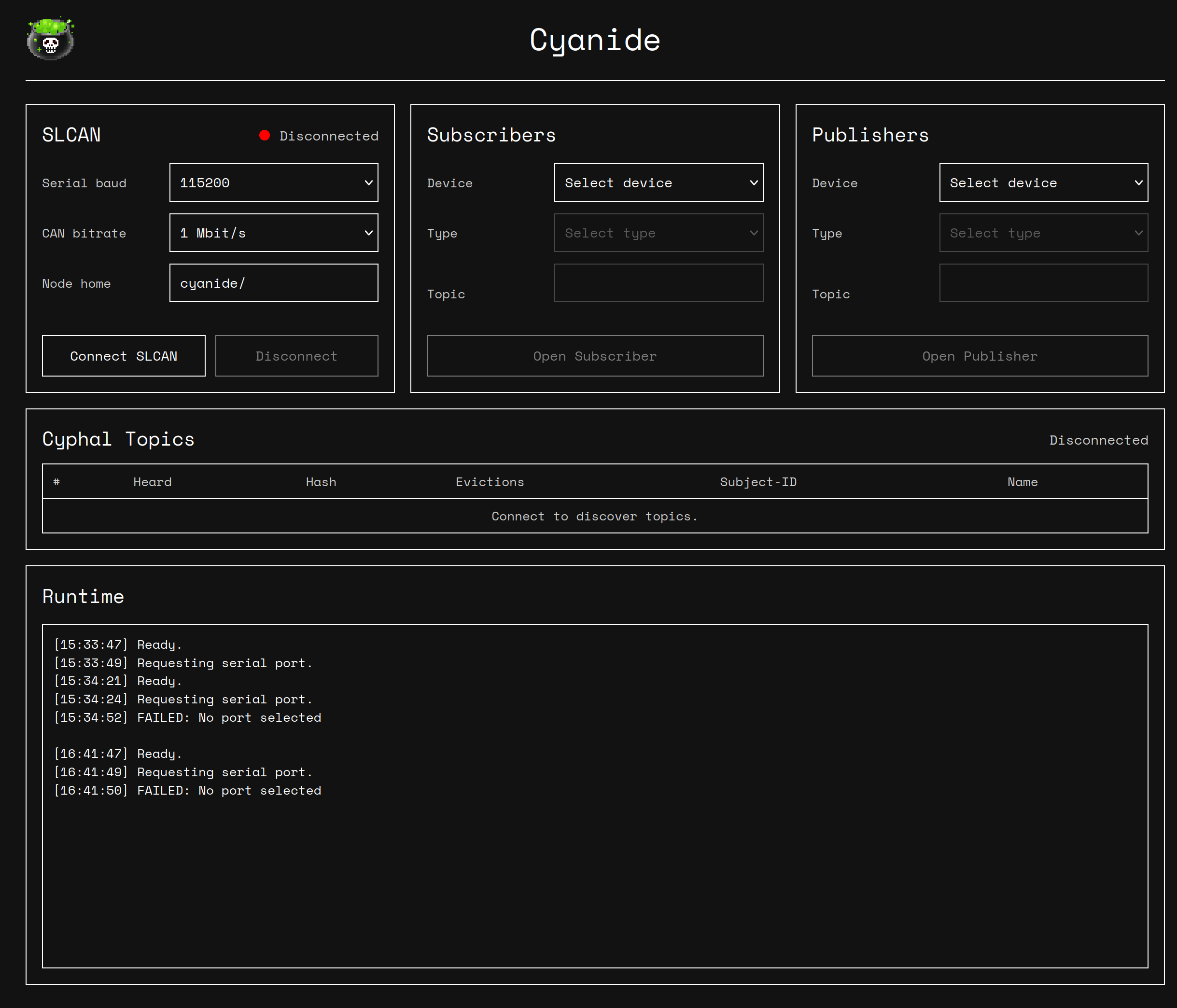
I see that there is a new web software at https://cyanide.zubax.com/, but it contains no information about changing IDs.

I believe that the cyphal-cynic package ( GitHub - OpenCyphal-Garage/cynic: Cyphal Network Investigation Console · GitHub ) allows us to do this, but I can’t figure out how to install it.

I’m looking foward to hearing from you, have a good day.
Hi Claudio!
First of all: your screenshots appear to be hotlinked to some Google service and are not visible here. Consider uploading them to the forum instead.
The firmware you installed runs Cyphal v1.1, and it is documented here: Cyphal interface - FluxGrip Reference Manual
Cyphal v1.1 is backward-compatible with v1.0 (used in the previous firmware revision). You can assign a specific subject-ID to the feedback topic by remapping it appropriately; say, to assign the ID of 1234 to the feedback topic, you add the following expression to the remap string: feedback=1234#1234. More details here: GitHub - OpenCyphal-Garage/cy: Cyphal v1.1 in C: robust decentralized pub/sub with optional reliability and service discovery in a few thousand lines of code that runs anywhere. · GitHub
The new firmware does no longer allow changing the node-ID; each node allocates it automatically instead (and usually starts with a new ID at every boot). This is an intentional change as it helps avoid incorrect use of the pubilsh/subscribe topology, where the identity of the sender should not be consequential for the application. Instead, senders that need to be discriminated use different topics; e.g., magnet/feedback/1, magnet/feedback/2, etc; or in your case, it could be 1234#1234, 1235#1235, etc.
We could reintroduce the option to set the node-ID manually, but I would recommend against it because it adds complexity to your system configuration for little benefit.
You are right that since Cyphal v1.1 we recommend the Cynic tool instead of Yakut. It is substantially easier to use. You will still use v1.0-compatible topics in Yakut though (the 1234#1234 example above).
Hello, Pavel!
Sorry for the screenshots, here they are (in order)

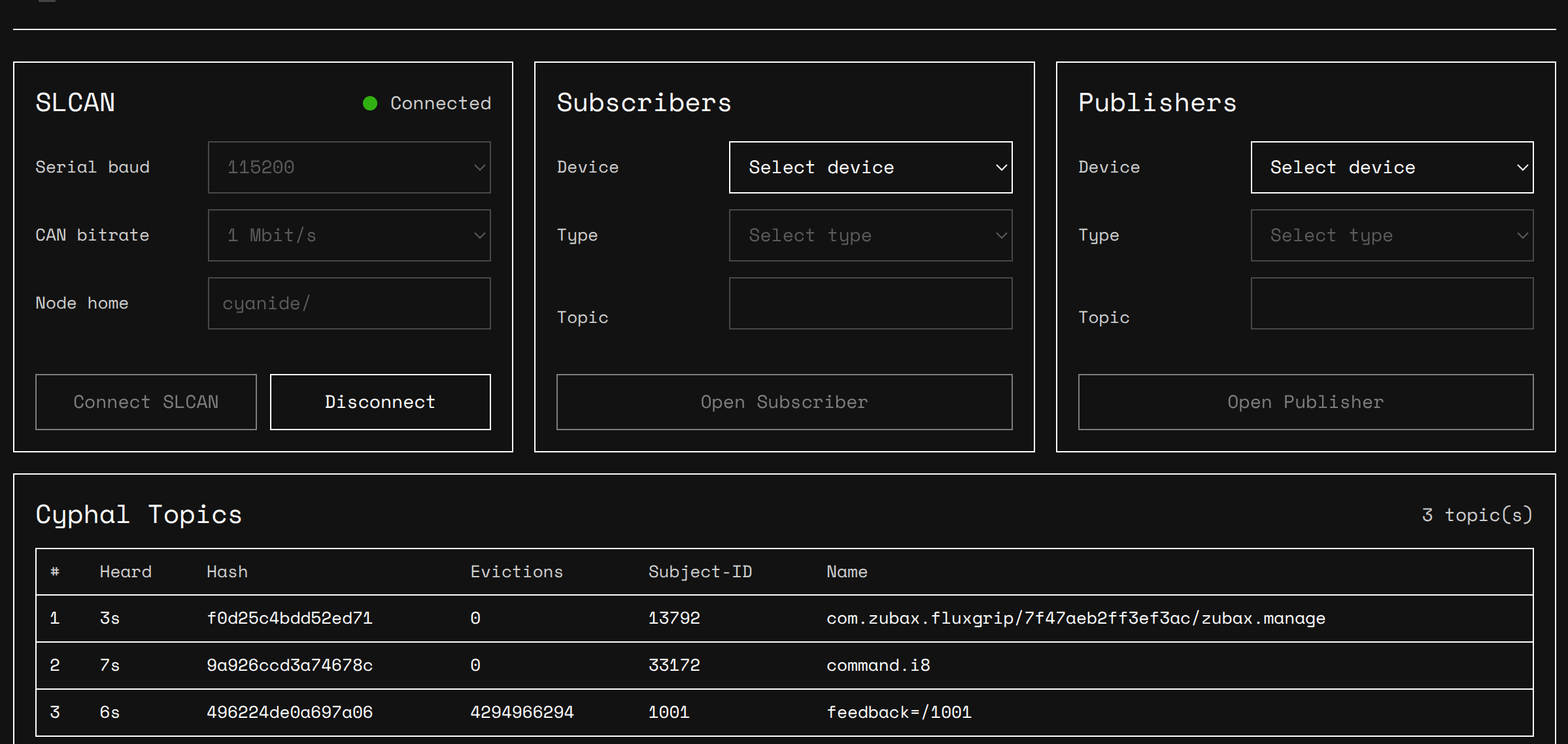
Today I figured out how to set up custom topics using Cyanide; however, the configuration does not persist across reboots. After a few power cycles, the custom topics simply disappear. For instance, I mapped command.i8=/1000, but the node reverted to the standard command.i8. Any idea why these register changes aren’t being saved to non-volatile memory?
For context, our application originally used raw CAN communication, so we wrote a C++ program that reads and writes bytes directly to/from the CAN bus. After setting the feedback address to 1001, I managed to identify its frames:
can0 1003E9E4 [8] 00 00 00 03 16 FC FF AB
can0 1003E9E4 [8] FF 06 7A 69 0A DE 24 0B
can0 1003E9E4 [8] 62 49 52 9B BA 9A F3 2B
can0 1003E9E4 [8] A3 1A E7 00 00 00 00 0B
can0 1003E9E4 [7] 00 00 00 00 55 B8 6B
A total of 5 frames are transmitted containing 03E9 (which is 1001 in hex) in the CAN ID. The problem is that I don’t know the protocol layout to decipher what each byte means. If I recall correctly, the previous version only sent a single frame where the byte mapping was quite straightforward. Could you help me decode this format?
We would love to use the Cynic tool for this, but we haven’t been able to get it installed yet.
Best regards.
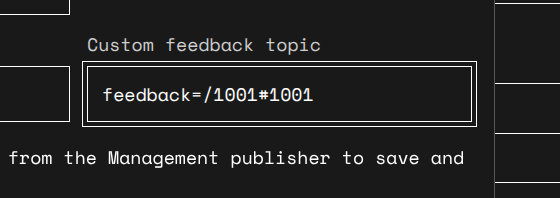
The feedback topic has not been remapped correctly: instead of remapping it to 1001, you remapped it to feedback=/1001, which is treated as an ordinary v1.1 topic instead of selecting the compatibility mode. This is why you’re seeing the multiframe v1.1 transfer instead of a single frame v1.0 transfer that you’re already familiar with. To clarify, you entered this:
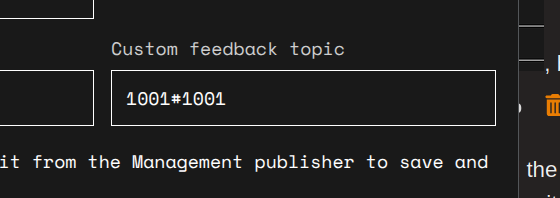
but the correct form is:
.
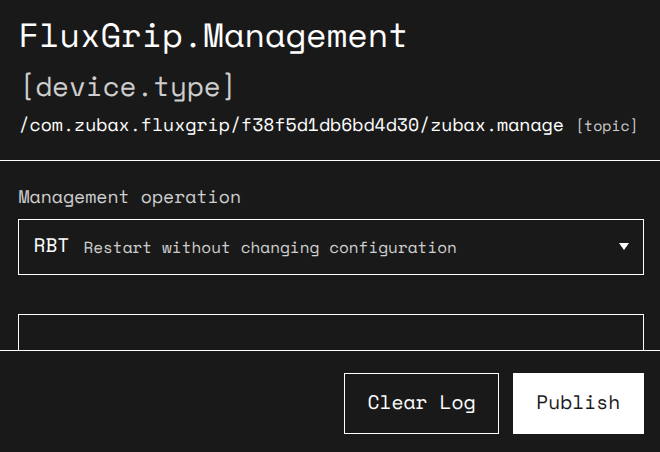
To save your configuration parameters, ensure you command the device to restart instead of power cycling it; the configuration is only saved before reboot, not when you change it:
Cynic is refusing to install because your Python is very old, you need v3.11 or newer.